Lightup Agentic
Control Your Entire Data Quality Platform in Natural Language.
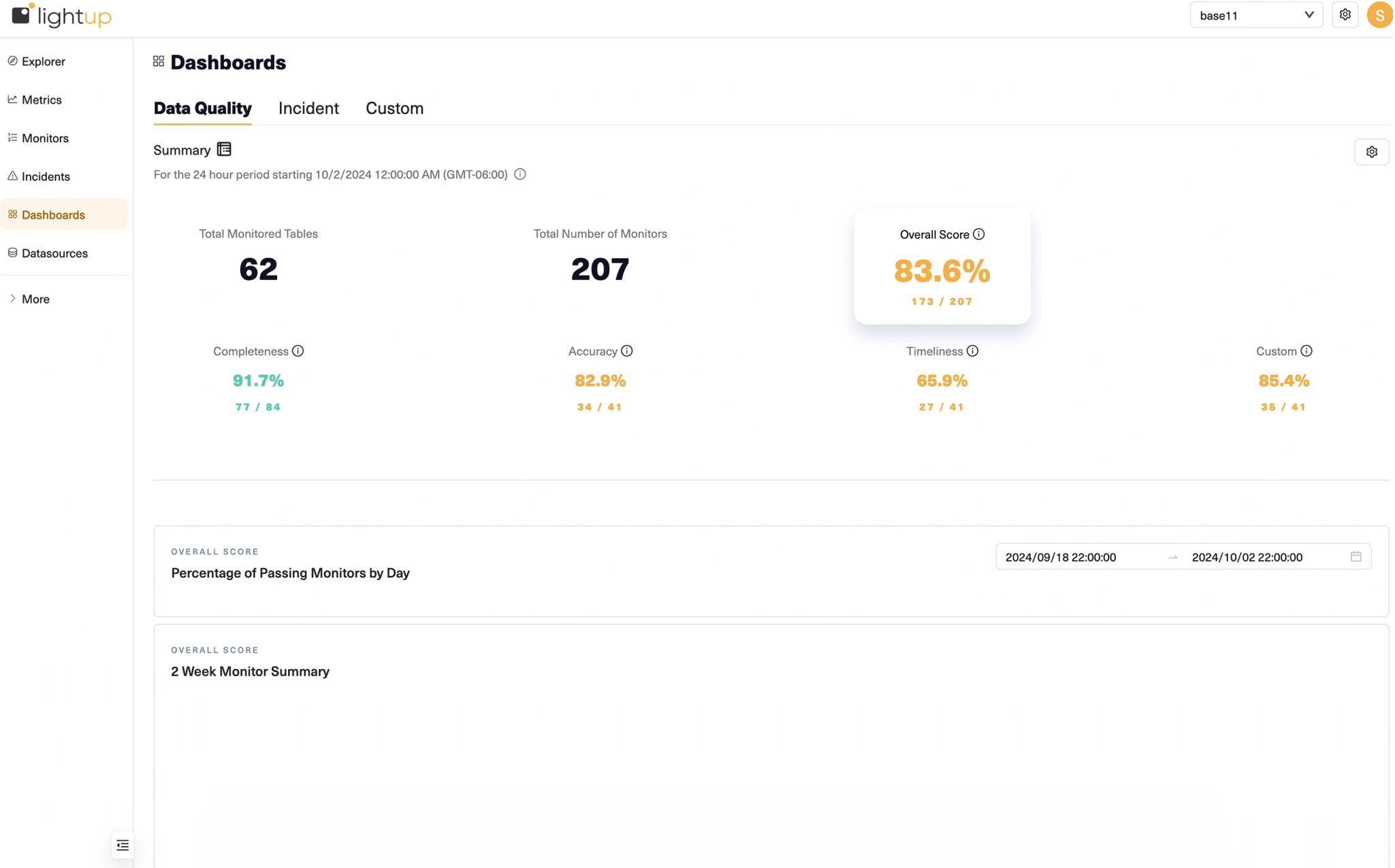
Lightup Agentic is a Model Context Protocol (MCP) server that connects your Lightup instance to AI coding assistants like Claude and Gemini. Investigate incidents, create metrics, configure monitors, and onboard new data sources — all through natural language, inside the AI tools your team already uses.
Your Lightup Platform, Accessible from Any AI Assistant.
Lightup Agentic exposes your full Lightup instance as a set of tools your AI assistant can call. There’s nothing to learn, no new UI to master. Just describe what you need:
- “Show me all failing monitors in the payments workspace”
- “Create a row count metric on the orders table and set up an anomaly detection monitor”
- “Onboard the new Snowflake datasource and enable monitoring for the core schema”
- “Generate custom SQL metric recommendations for the transactions table”
Lightup Agentic handles the rest — calling the Lightup API, presenting results, and asking for confirmation before making any changes.

What You Can Do with Lightup Agentic

Investigate Incidents

Create Metrics & Monitors

Onboard New Data Sources
Works with Claude & Gemini

Powered by the Model Context Protocol (MCP).
Lightup Agentic implements the open MCP standard, which means it works with any MCP-compatible AI client today and any client that adopts the standard in the future.
The MCP server runs as a hosted service on your Lightup subdomain (mcp.{your-instance}.lightup.ai). Your AI client connects over SSE or Streamable HTTP — no VPN, no firewall changes. Credentials are your existing Lightup API token, so there is no separate authentication to manage.
Supported clients:
- Claude Code (CLI)
- Claude Desktop
- Gemini CLI
- Any MCP-compatible AI client
53 Tools Covering Every Part of the Platform.
Lightup Agentic gives your AI assistant 53 tools that cover the full Lightup surface area:
Investigation & Monitoring List and diagnose incidents, inspect failing records, view monitor status, get platform health summaries.
Metric Creation Workflow Explore table schemas, analyze column distributions, validate custom SQL, preview metric results, and create metrics individually or in bulk.
Datasource & Schema Management Create and configure datasources, trigger scans, enable or disable schemas and tables for monitoring.
Alerting & Integrations Create and test Slack, PagerDuty, email, and MS Teams integrations directly from your AI assistant.
AI-Generated Recommendations Generate custom SQL metric recommendations using LLMs, review suggestions, and activate the best ones with a single confirmation.


Guided Skills for Complex Workflows.
Beyond individual tool calls, Lightup Agentic includes built-in skill playbooks that guide your AI through multi-step workflows:
Onboarding Skill — A 5-phase guided setup that walks the AI through workspace creation, datasource connection, schema and table enabling, alerting setup, and initial metric creation. Start from zero and reach a fully monitored datasource in one session.
Metric Advisor Skill — A decision-tree workflow that helps the AI choose the right metric type for your use case, then walks through the full creation process: explore → analyze → validate SQL → preview → confirm → create → set up monitoring → train anomaly detection.
Skills are invoked automatically when context suggests them — no special commands required.
Set Up in Under Two Minutes.
Getting started requires your Lightup API credentials and one command:
For Claude Code:
curl -sL https://raw.githubusercontent.com/lightup-data/lightup/main/setup.sh | bash -s -- claude
For Gemini CLI:
curl -sL https://raw.githubusercontent.com/lightup-data/lightup/main/setup.sh | bash -s -- gemini
The setup script reads your API credential file (downloaded from Lightup UI → Profile → API Credentials), registers the MCP server with your AI client, and optionally installs session observability hooks. That’s it — your AI assistant now has full access to your Lightup instance.


Full Observability on Every AI Session.
Every interaction between your AI assistant and Lightup is traced end-to-end using Langfuse. Session traces capture which tools were called, what inputs were passed, what the AI decided, and what Lightup returned — giving your team full visibility into how AI is interacting with your data quality platform.
Tracing is opt-in and requires no client-side dependencies. A lightweight hook registered during setup sends session data to the Lightup MCP server, which forwards traces to Langfuse. No data leaves your AI client except to your own Lightup instance.
Resources
Get Started
Put AI to Work on Your Data Quality.